

A custom Slack app lets your organization present HiThrive under your own name and branding inside Slack. Rather than the standard HiThrive app, your team sees an app that looks like it belongs to your company.
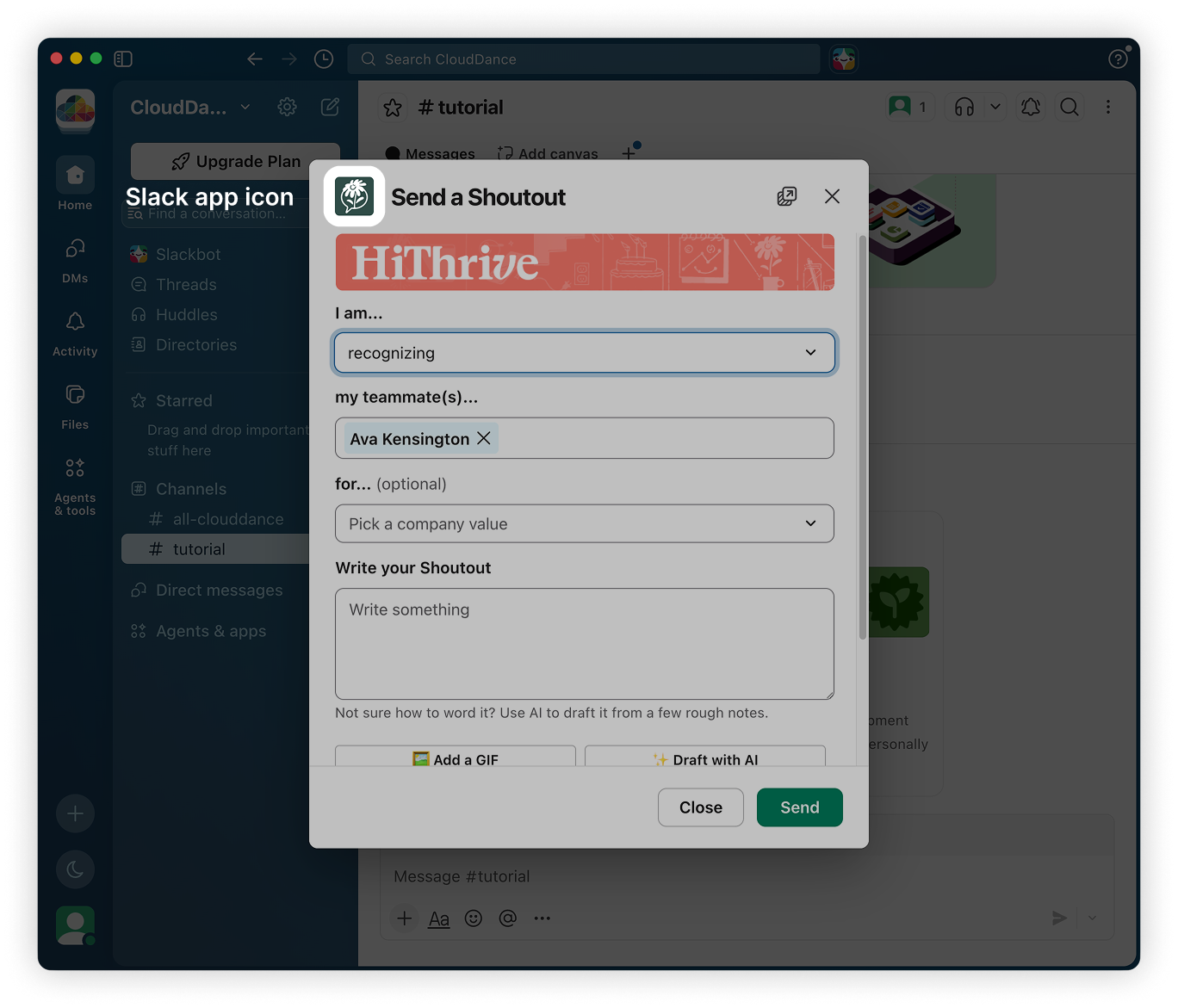
Three assets are customizable: the app icon, the Shoutout modal banner, and the App Home screen banner.
Asset specifications
Asset | Dimensions | Where it appears |
|---|---|---|
Slack app icon | 1024 x 1024 px | Slack sidebar, app directory, and message attributions |
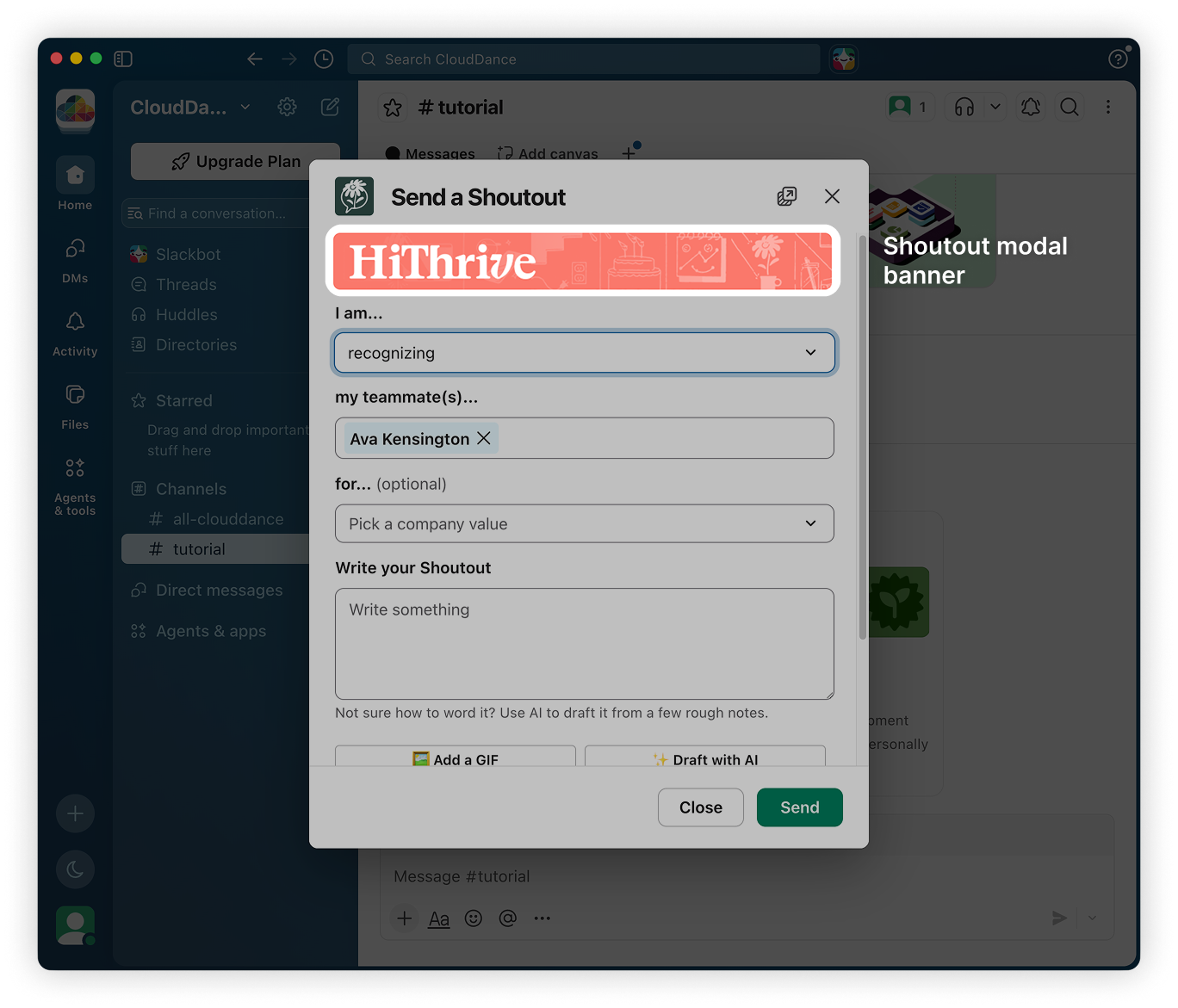
Shoutout modal banner | 700 x 80 px | Top of the Send a Shoutout window |
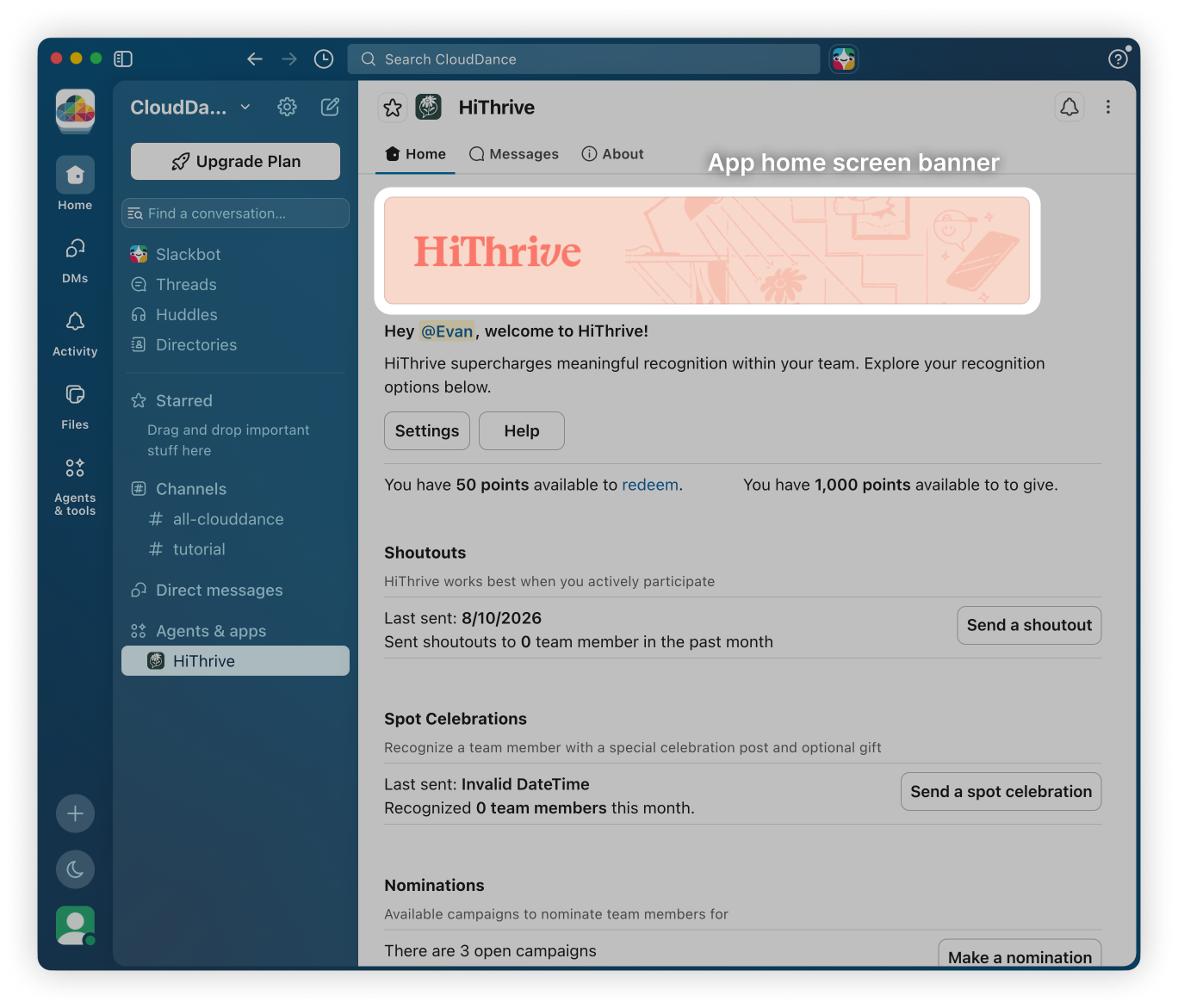
App Home screen banner | 1400 x 220 px | Top of the HiThrive App Home tab |
File format: PNG or JPEG
Background: All assets must use a solid background. Transparent backgrounds do not render reliably across Slack's light and dark themes and will appear inconsistently for your team.
Design guidance
App icon
The icon renders small in most contexts, often at 20px or less in the sidebar. A full wordmark will not be legible at that size. Use a logomark, monogram, or single strong shape.
Shoutout modal banner
This is a wide, short strip at the top of the composer. At 700 x 80 px there is not much vertical room, so keep it to a logo or short lockup with generous horizontal spacing. Center the focal point.
App Home screen banner
The largest of the three and the most flexible. There is room for a logo plus supporting artwork or a tagline. Keep essential elements away from the far edges, since the banner can crop slightly on narrower windows.
Working across Slack themes
Slack users can set light or dark mode individually, and you cannot control which one someone is using. A solid background handles this cleanly by giving your artwork a consistent surface either way.
If your logo only exists in a single color that would disappear against your chosen background, use a version with sufficient contrast or place it on a branded color block.
What to send us
Send all three assets to help@hithrive.com as separate files at the exact dimensions listed above. Note if you are working toward a specific launch date so we can sequence the build accordingly.
⚠️ Custom Slack apps are provisioned by the HiThrive team and are not self-serve. If you are interested in a custom app for your organization, reach out to your account contact.